From “needs doing”to done.
Choose a job, see the price and follow your visit. Here’s what happens at each step, and where to get help if plans change.
 01 · Book
Tell us the job. See a price.
Browse starting prices without an account. Choose the service and your suburb, then sign in to add the details, exact address and a time that suits you.
 02 · Trusted
Meet the person who will arrive.
Your job goes to qualified professionals near you. Once one takes it, see who’s coming and message them in the booking. If no one is available, you can choose another time or contact support.
 03 · Help
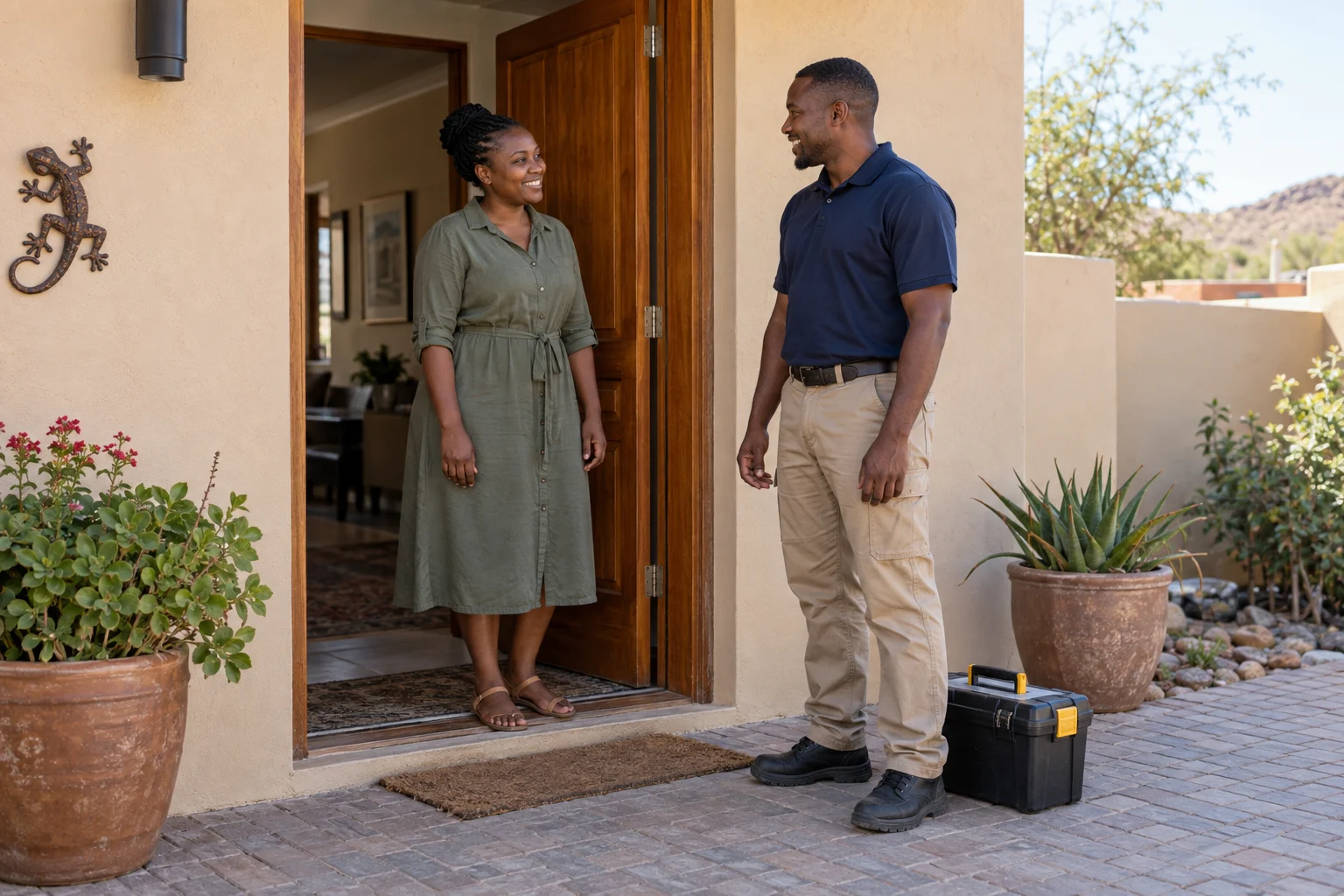
They come to you. You stay in one place.
Follow booking updates and, when location sharing is active, see the professional on their way. Discuss any changes in the booking and approve extra costs before work begins. Support stays one tap away.
 04 · Get it done
Confirm. Pay. Review the work.
The professional submits the finished work for your review. Confirm it or raise an issue, then pay the professional in cash. The professional records only cash actually received. You can view the receipt in the booking and leave a review after payment is recorded.
See what’s been checked.
Open a profile to see which checks are confirmed. Customer reviews come from completed, paid jobs.
The price is on the screen first.
Check starting prices without an account. Review the full booking price and any applicable cancellation terms before confirming. Extra work needs your approval.
Work as a professional?
Apply online in about ten minutes. Every application is reviewed by a person before you can take jobs.
Prefer to sign up in person? WhatsApp or call us on +264 83 672 9910 and we'll set up your account with you.